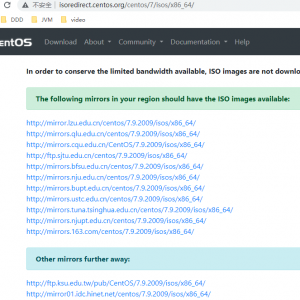
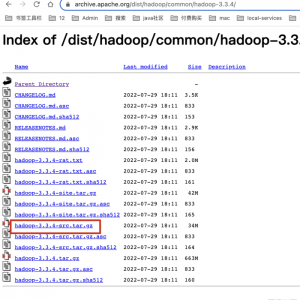
官方网站:
Environment
- Red Hat Enterprise Linux 7
Issue
-
On my
RHEL7 newely installed system I am seeing the following
in/var/log/messagesall
the timeJul 24 08:50:01 example.com systemd: Created slice user-0.slice. Jul 24 08:50:01 example.com systemd: Starting Session 150 of user root. Jul 24 08:50:01 example.com systemd: Started Session 150 of user root. Jul 24 09:00:01 example.com systemd: Created slice user-0.slice. Jul 24 09:00:02 example.com systemd: Starting Session 151 of user root. Jul 24 09:00:02 example.com systemd: Started Session 151 of user root.
Resolution
-
These
messages are normal and expected — they will be seen any time a
user logs in -
To
suppress these log entries in/var/log/messages,
create a discard filter with rsyslog, e.g., run the following
command:echo 'if $programname == "systemd" and ($msg contains "Starting Session" or $msg contains "Started Session" or $msg contains "Created slice" or $msg contains "Starting user-") then stop' >/etc/rsyslog.d/ignore-systemd-session-slice.confThen
restart the rsyslog servicesystemctl restart rsyslog