How To Install Proxmox Nested on VMware ESXi (Full Support OpenVZ & KVM)
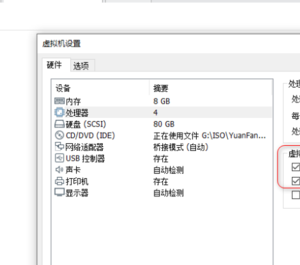
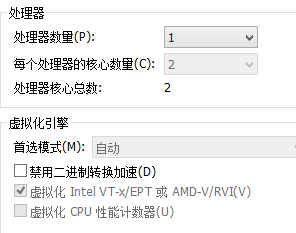
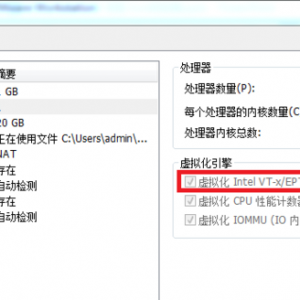
安装完后出现错误 TASK ERROR: No accelerator found!
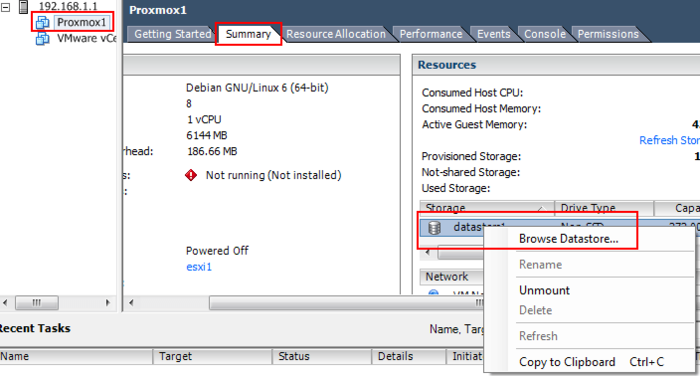
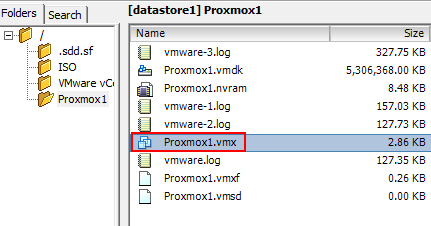
Open extension VMX file using Wordpad application (do not use Notepad)
– Add the following line at the bottom
vhv.enable = “TRUE”
– Save and upload again VMX file to the folder name Proxmox VM
– Run again Proxmox VM and run the following command after login to Proxmox whether has been supported Virtualization or not
egrep -c ‘(vmx|svm)’ /proc/cpuinfo
If the result of the above command is zero (0), your Proxmox is not support Virtualization. If the result is 1 or more, your Proxmox has been supported Virtualization.